iPhone app for Wi-Fi ear cameras
Your ear camera's app is gone. Spade Cam shows the picture again.
For Wi-Fi ear cameras that make their own network. Check yours against the list below. Spade Cam is free.
Tell me when it ships
On the App Store soon
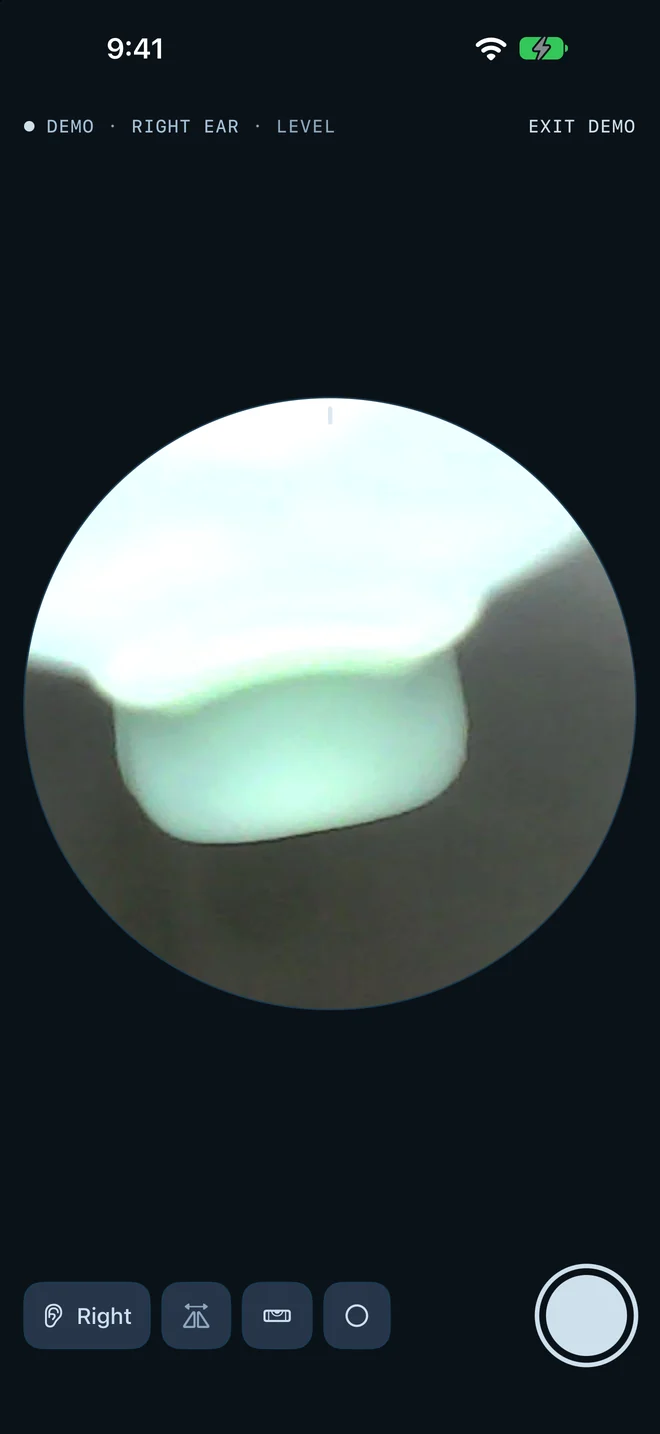
How it works
- Turn the camera on.
- Open Spade Cam and tap Connect to camera. It joins the camera's Wi-Fi for you.
- Video starts on its own.
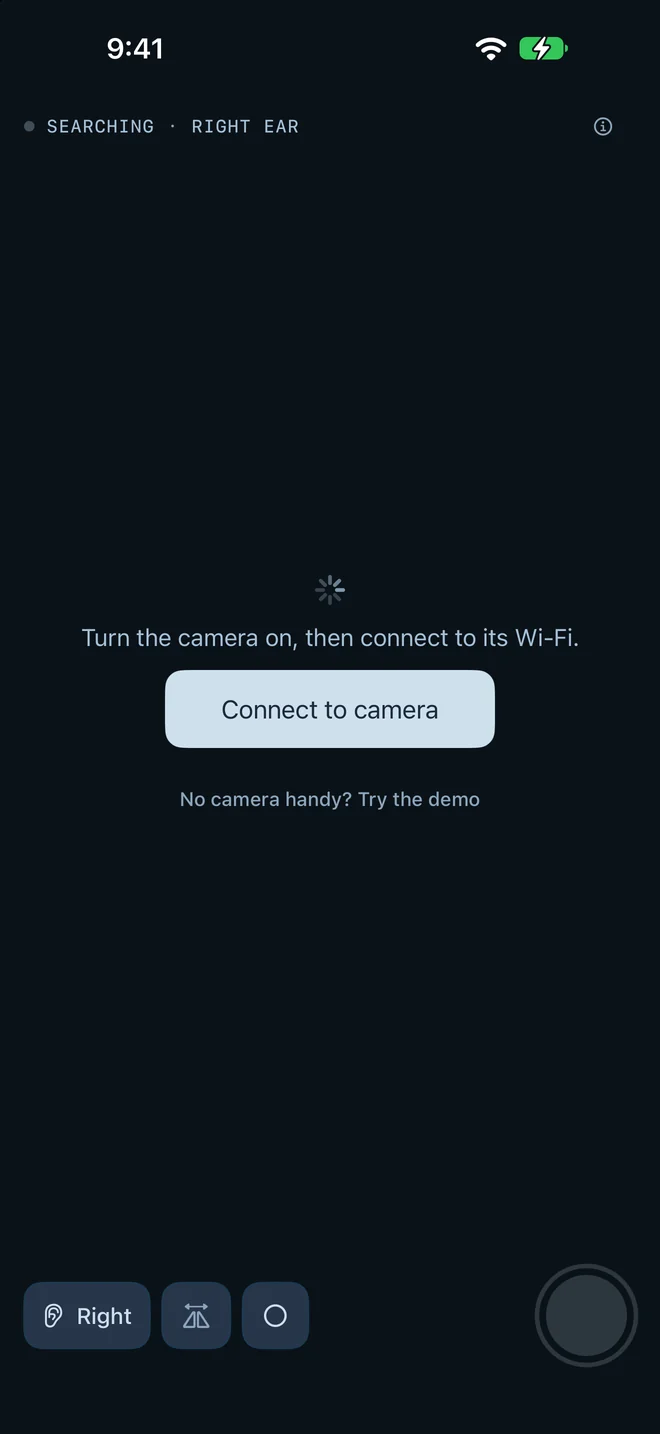
Will it work with my camera?
Turn the camera on and look at the Wi-Fi list on your iPhone. Spade Cam 1.0 is built for cameras whose network name starts with:
- Enjoy-
- JesHome-
- iTiMO-
- jetion_
- softish-
- Cooleer_
These cameras sit at the address 192.168.10.123 on their own network.
Different name? Email with the network name and the brand on the box.
- Is Spade Cam free?
- All of it is free.
- Does Spade Cam need an account?
- No account.
- Is Spade Cam a medical device?
- Spade Cam is a camera viewer, not a medical device. It does not diagnose anything. Follow your camera maker's safety instructions.
What you get
- Level lock
- A round view. Lock keeps the picture upright while you turn the camera.
- Left and right ear
- Remembers the mirroring for each ear.
- Pinch and twist
- Pinch to zoom, twist with two fingers.
- Demo footage
- Recorded footage, so you can try it with no camera.
- Photos to your library
- Stamped with the ear and date.
Private
Spade Cam talks only to your camera, on the camera's own Wi-Fi.
The app sends anonymous usage counts so we can improve it, never images or anything that identifies you, and you can turn them off.
Privacy policy